Controller Reset Overview
Resetting a controller erases its saved pairing and grouping data so it can be used in a new configuration. The process allows the controller to be cleared of existing associations so it can be paired to a new or existing controller group or home group.
Warning on Resetting Unused Controllers
Factory reset ONLY the extra controllers that were not needed for the installation.
If you have extra controllers, reset them to remove the switch pairing and group data. Controllers that have been reset can be returned to inventory and used in a another installation.
How to Reset a Levven Controller
Press and Hold Controller Button
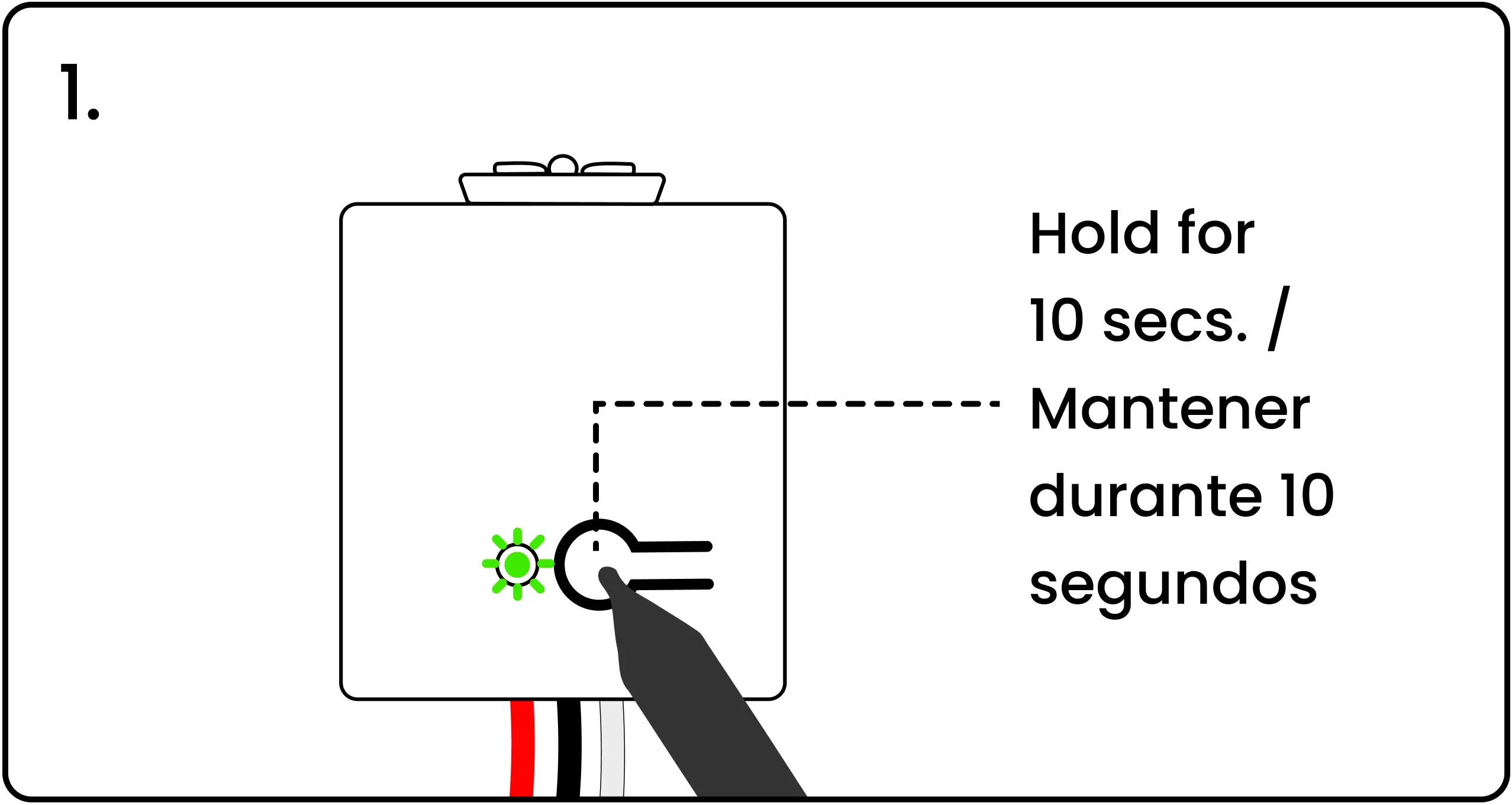
To reset a controller, energize the controller, then press and hold the pairing button.
Switch Pairing Reset at Five Seconds, Full Factory Reset at Ten Seconds
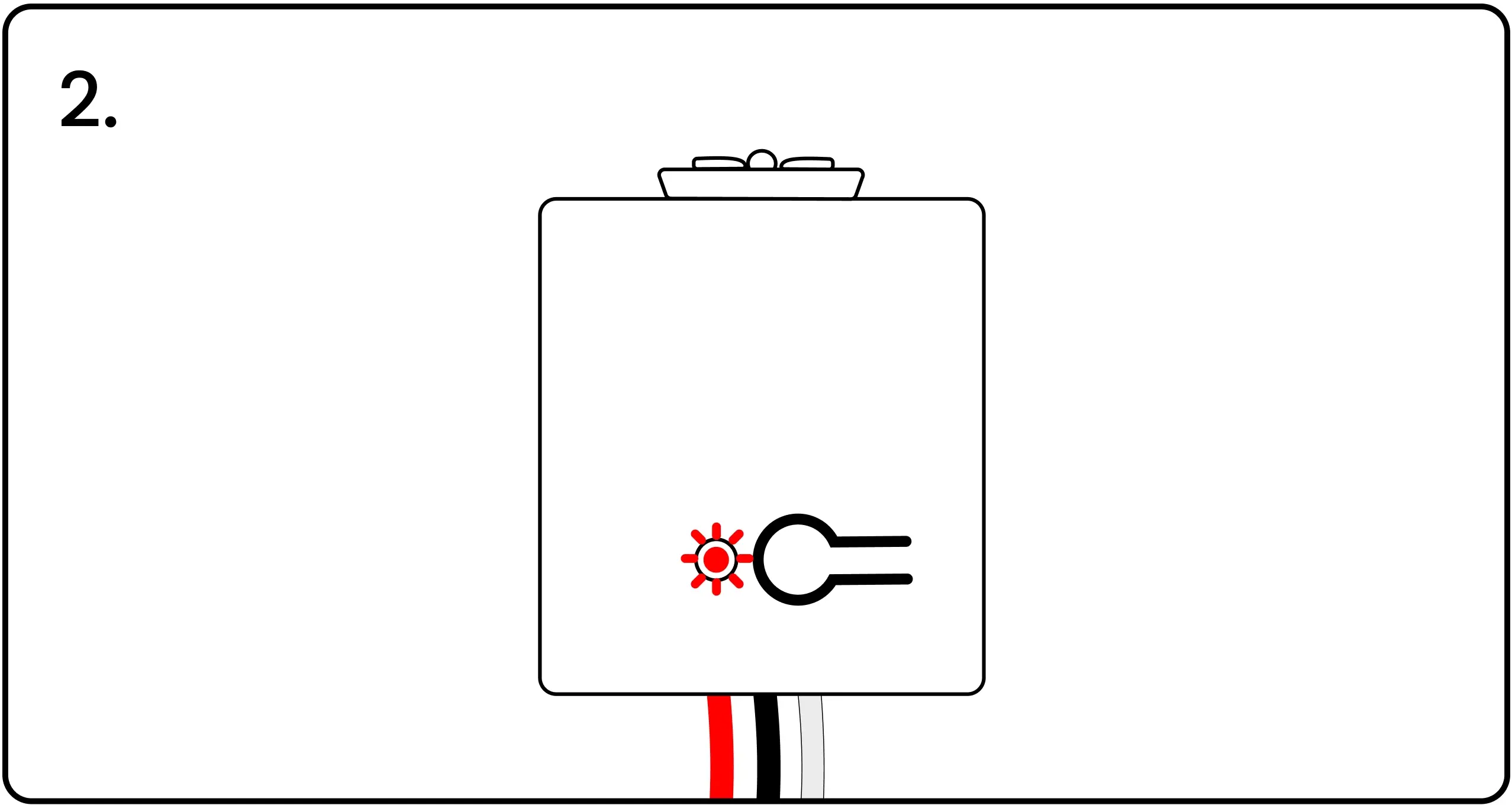
After five seconds, the controller's LED will flash red. The controller has deleted its switch pairing data. The controller still has its group data.
To fully reset the controller — clearing all switch pairing and controller group data — continue to hold the button.
After 10 seconds, the LED will flash red once again, confirming the controller has been fully reset.
Let go of the controller button. The controller can now be added to a new group and paired with different switches.